
Troubleshooting Create Registration
Some of Create’s features require a quick email registration. Depending on your site setup, occasionally you can run into roadblocks while registering. When this happens, there are three types of common errors you may see. The troubleshooting process is similar for all three, as the problem here is generally caching or an extension conflict.
Error One
If Create is having trouble with your email:
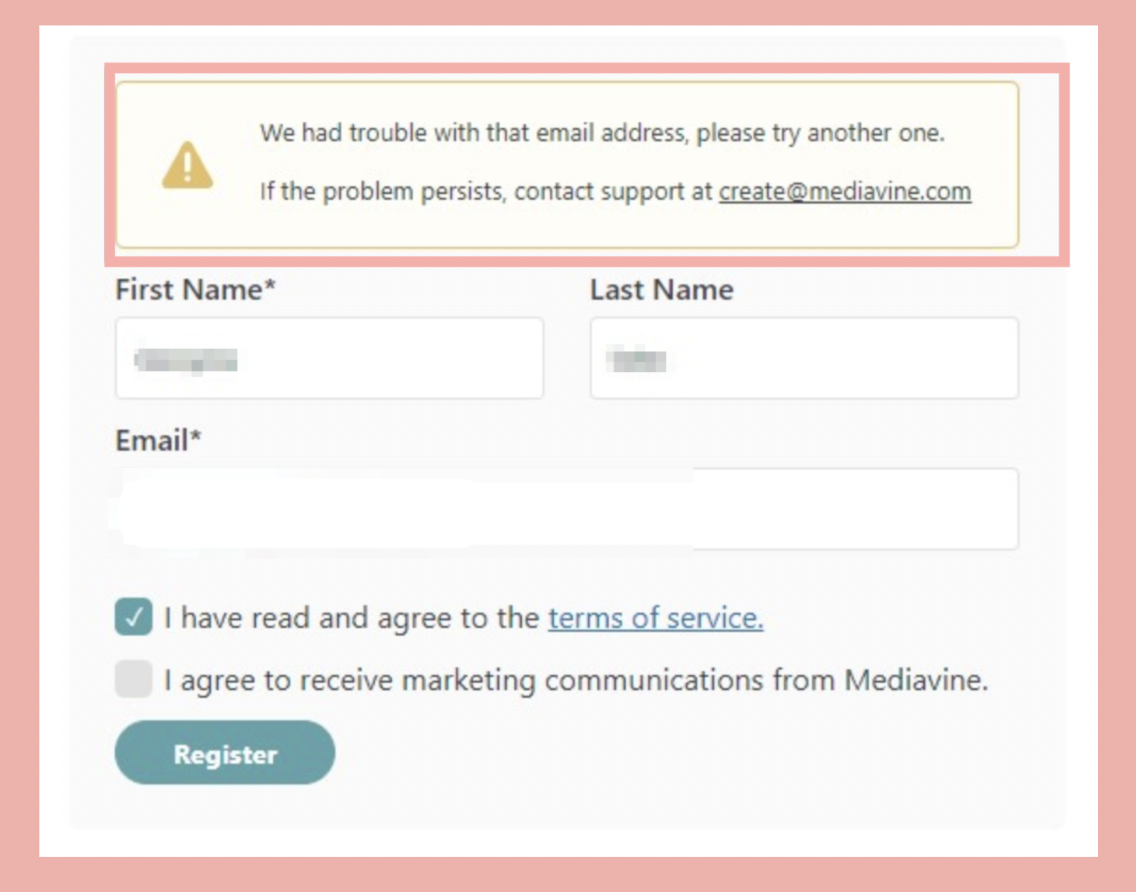
Try the following steps:
Step 1: Make sure you don't have any ad blocker extensions enabled within your browser.
Step 2: Clear your browser cache and log into your WordPress dashboard in an incognito window.
Step 3: Make sure there are no spaces or extra characters within your email address.
Error Two
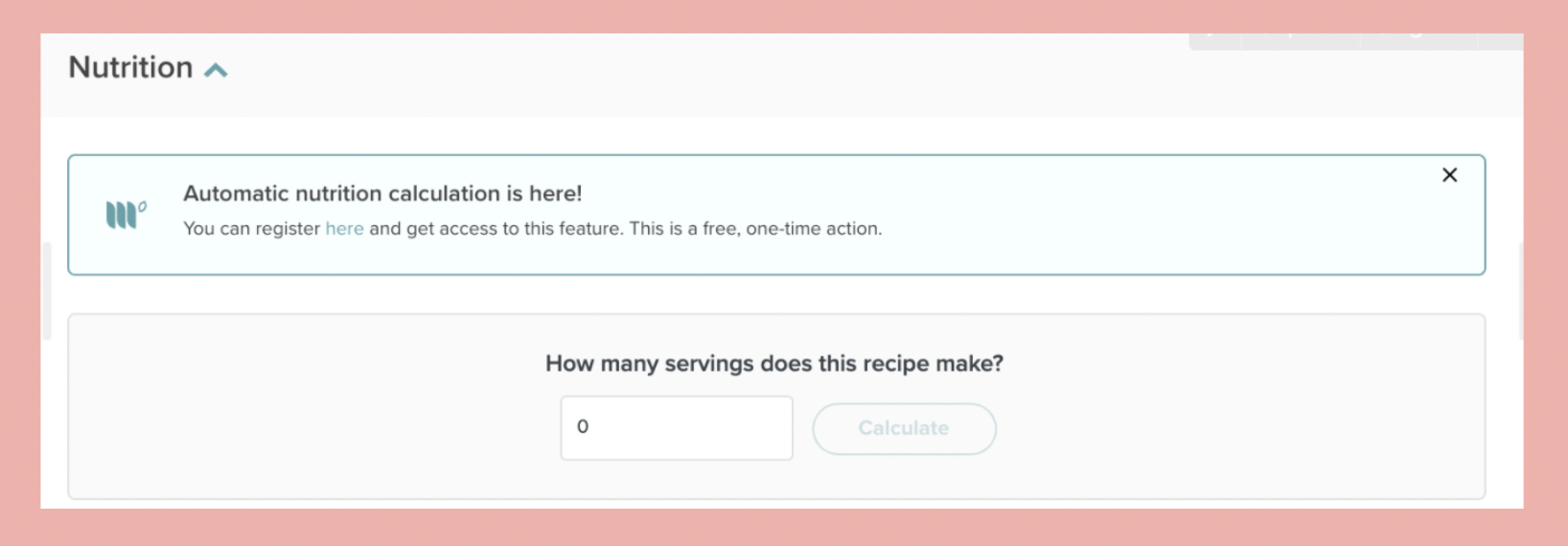
If after going through the registration process you don’t see the green checkmark within the registration tab, and external linking and the nutrition calculator still have the below notices, it’s possible that this is because of browser caching
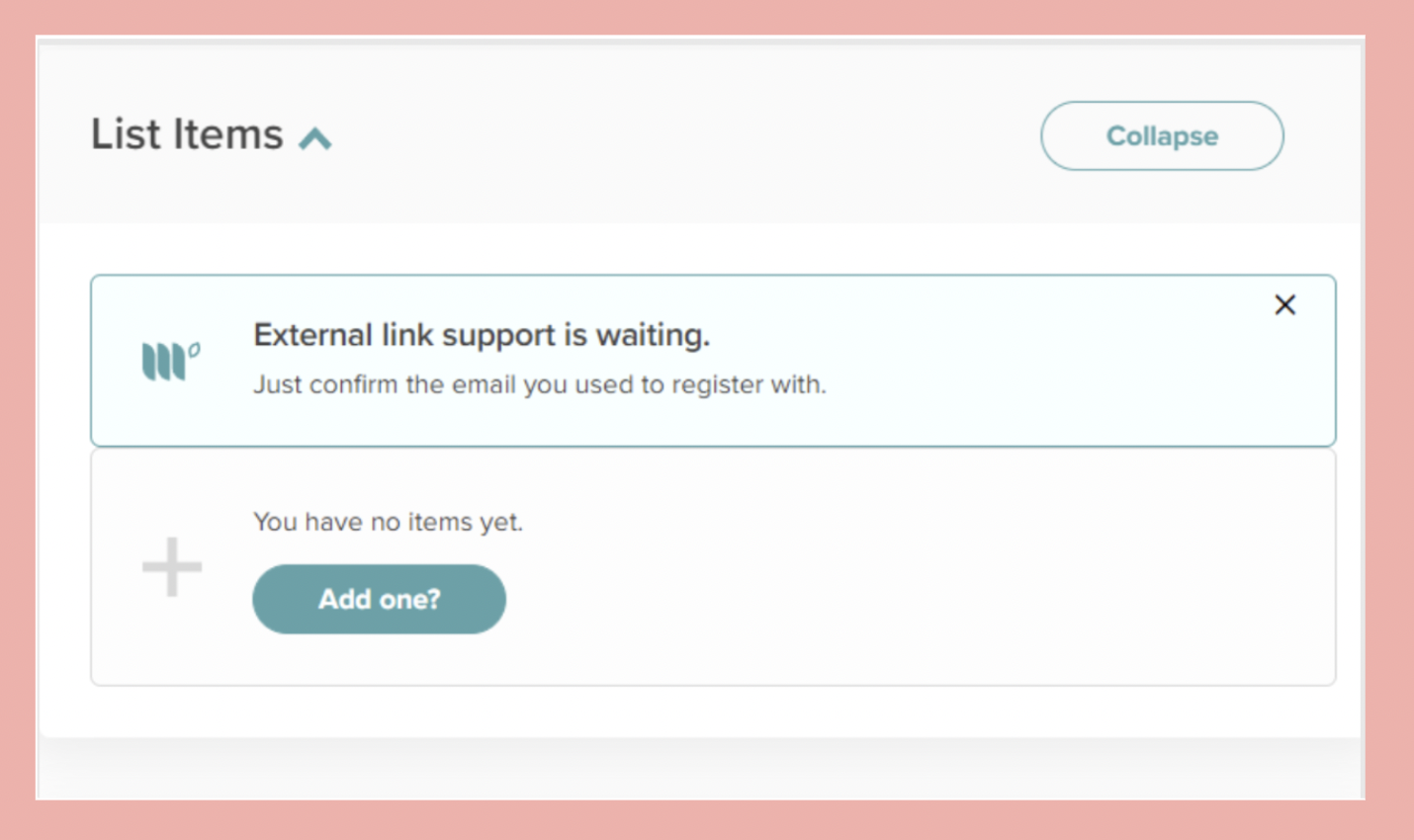
Try the following steps:
Step 1: Ensure you have any ad blocker extensions disabled within your browser.
Step 2: Clear your browser cache and log into your WordPress dashboard in an incognito window.
Step 3: Register within the incognito window and clear your browser cache after registering.
Error Three
When visiting your registration tab, you see the green checkmark, but don’t have access to the additional features:
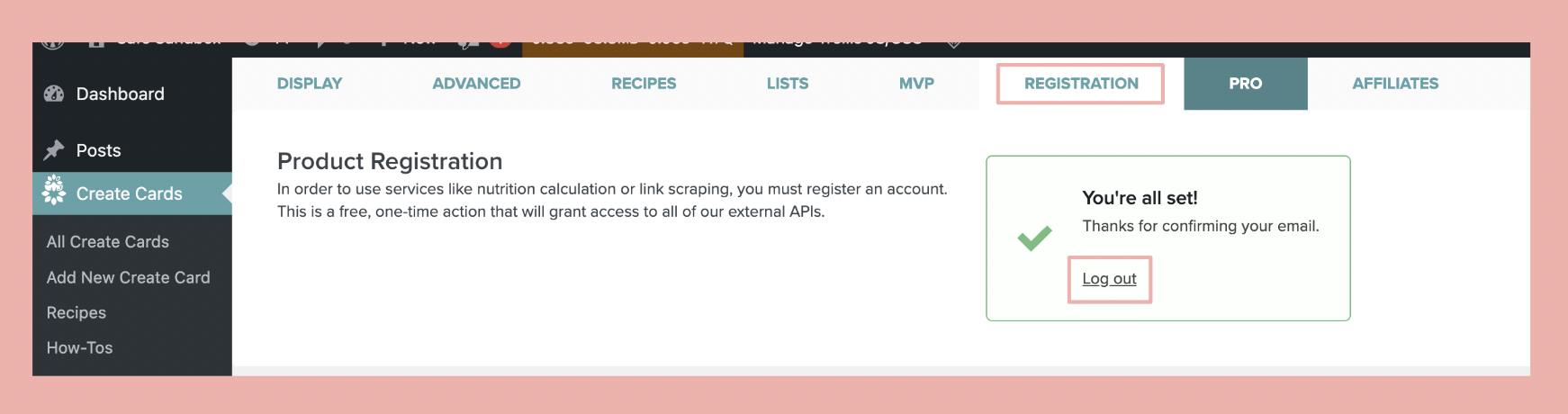
Try the following steps:
Step 1: Log out of Create.
Step 2: Log out of the WordPress dashboard and clear your browser cache.
Step 3: Log into WordPress in an incognito window using Chrome (if you weren't previously) and try entering your email again.